
Planning with patterns
Editable quilt layout vs. pattern: what can you safely change?
Being able to move blocks or try a new fabric placement is useful. It is not the same thing as having every cutting measurement and construction step needed to make a quilt.
See the Stitchtale workflow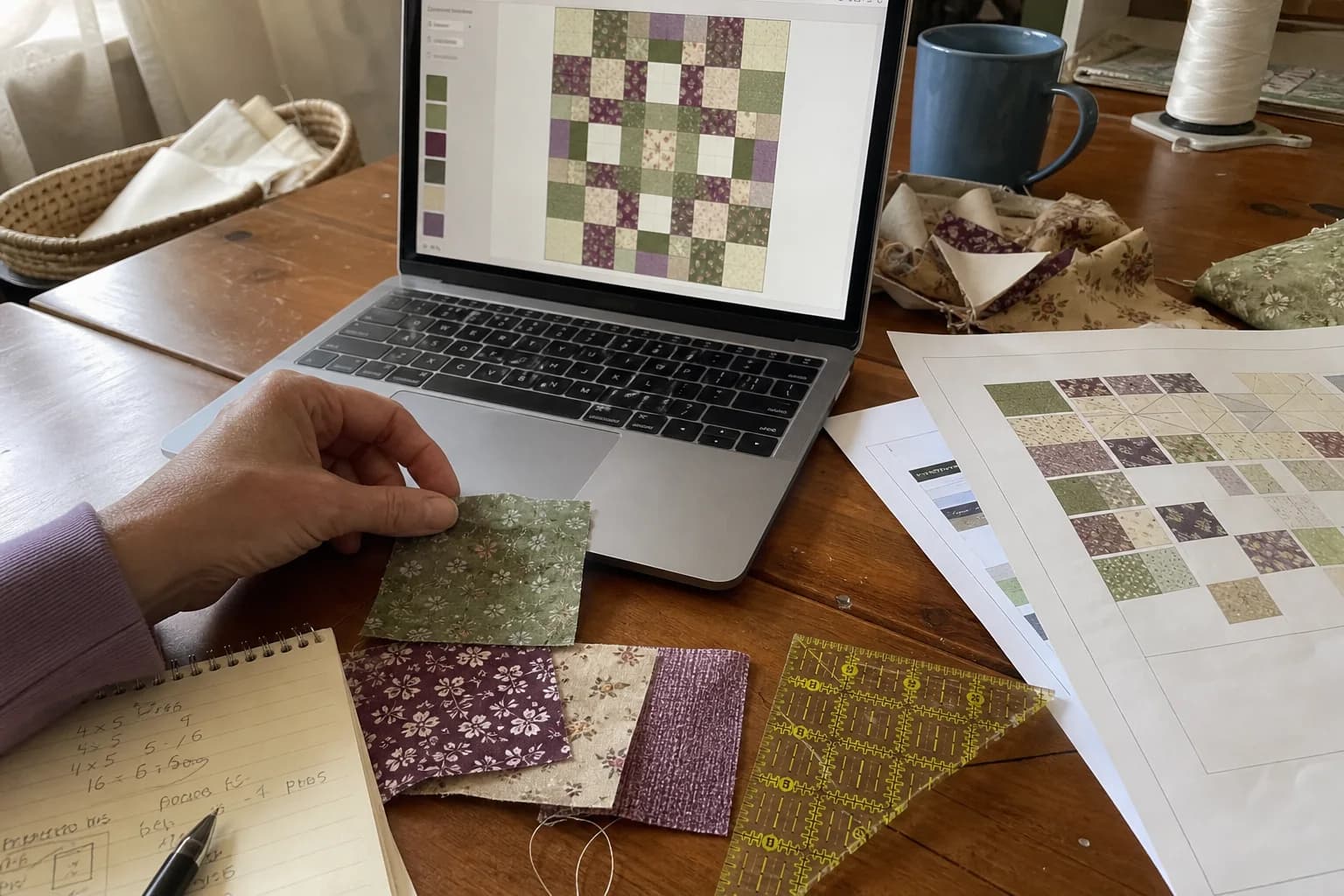
At the cutting table
What to notice first
- What an editable layout is good for
- The four useful result states
- Why missing information stays unresolved
- How to plan changes without overclaiming
An editable layout is a planning tool
Many quilt tops have repeated blocks, rows, sashing, borders, and units that rotate or mirror. Seeing those parts separated from a dense pattern PDF can make a project easier to understand. An editable layout can let you explore a different background, swap a placement, inspect repetitions, or compare a border color before you commit. That is valuable planning work.
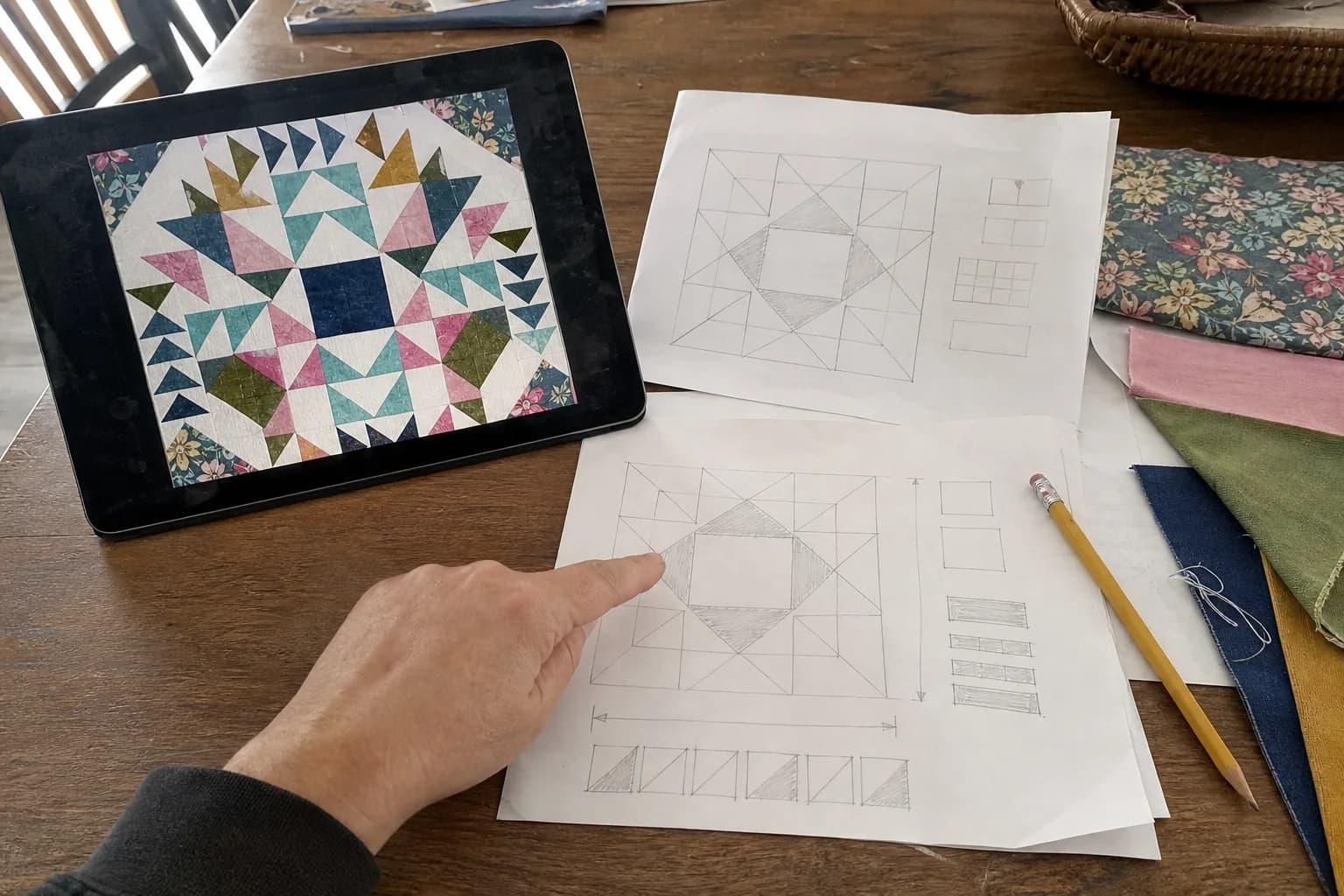
It is not automatically a new pattern. A layout is about where visible elements sit. A pattern is also about how pieces are cut, what seam allowance applies, what the finished and unfinished measurements are, which method builds each unit, how many pieces are required, and what order produces the top. Those facts should agree with the original pages and instructions.
Use the right label for the result in front of you
A clearer look at the supplied pages can organize what is visible. An editable layout has been checked enough to plan block placement, rows, rotations, and fabric choices. A section has usable sewing instructions when its named method, measurements, quantities, and original instructions agree. A complete pattern goes further: it includes the technique-specific instructions, print guidance when needed, cutting information, and sewing order for the entire project.
These distinctions protect a maker from mistaking a helpful screen for a safe cutting plan. A result can be excellent for trying colors and still be for planning only. One block can have clear, checked instructions while another part of the quilt remains unresolved. Call the whole project ready to make only when all of the instructions it needs are present and agree.
What you can explore without changing construction
Start with changes that preserve the source's construction: fabric placement, a visible color swap, a repeated block's position, or an observed rotation. Look carefully at value as you work. A substituted fabric may have the same color family but a very different lightness, causing a star or path to disappear. Make a small swatch or grayscale photo check before you purchase yardage for a major change.
Changing the number of blocks, border width, or a unit's shape may change the math and construction. Treat that as a new planning problem. A layout tool can make the question easier to see, but it should not silently recalculate an unsupported cutting schedule. Record what you changed and which dimensions or methods must be confirmed next.
Planning-change checklist
- Is this a visible placement change or a construction change?
- Which source page supports the block, row, rotation, or border I am using?
- Have I kept missing dimensions visibly unresolved?
- Will the new fabrics preserve the value contrast of the design?
- What needs a new construction check before any fabric is cut?
Source privacy and designer respect
Use an editable planning workflow with a pattern you own or are permitted to use, and keep that work private. The goal is to help you understand your own project, not to republish a designer's PDF or create a public catalog of converted patterns. The original document remains the source for its directions, notes, and designer intent.
If a diagram is decorative, too small to read, or inconsistent with the written instructions, it should stay a reference image. It should not become a verified block merely because it can be placed neatly on a screen. The most useful system is willing to say “we do not know this yet.”
Bring the plan back to the sewing table
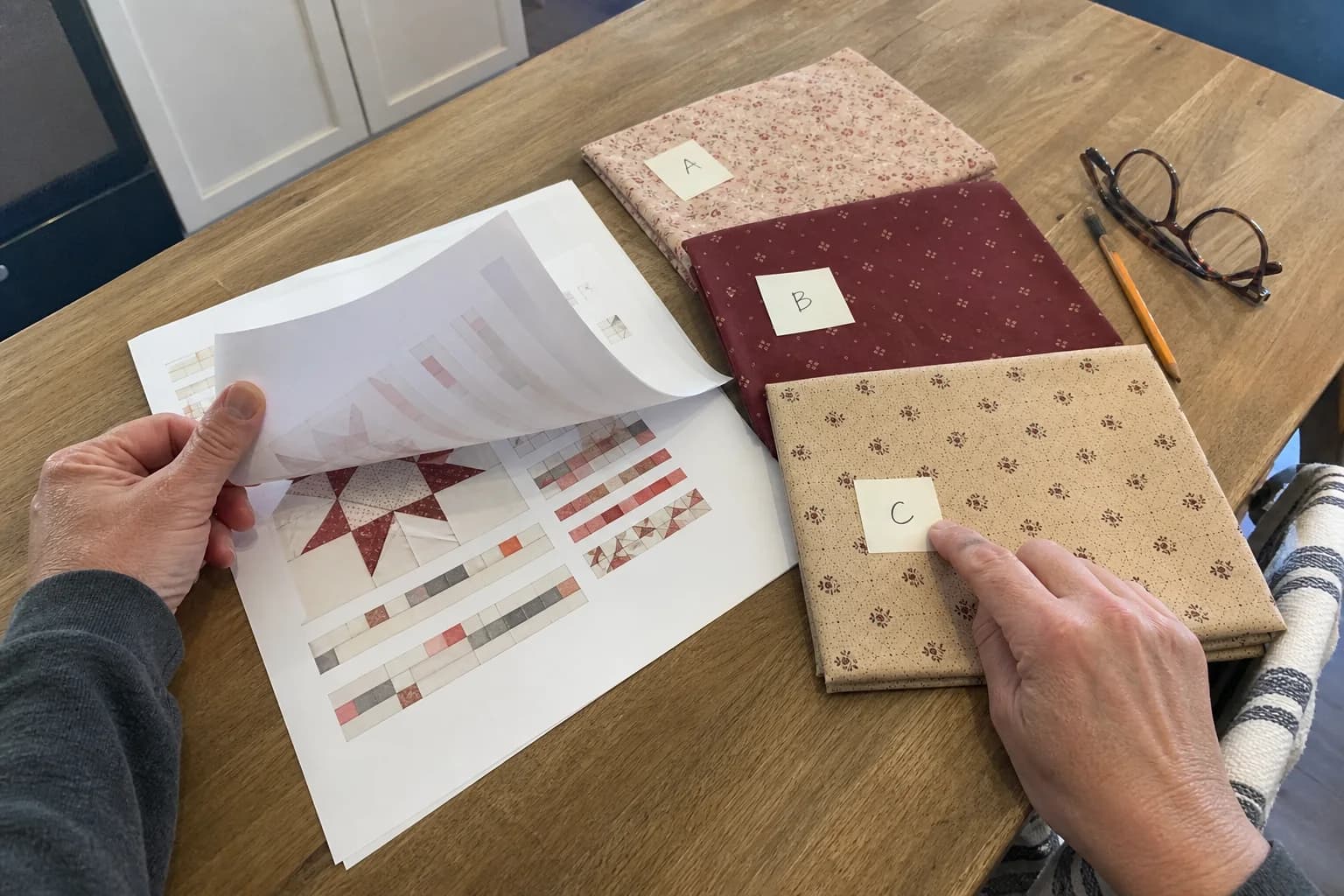
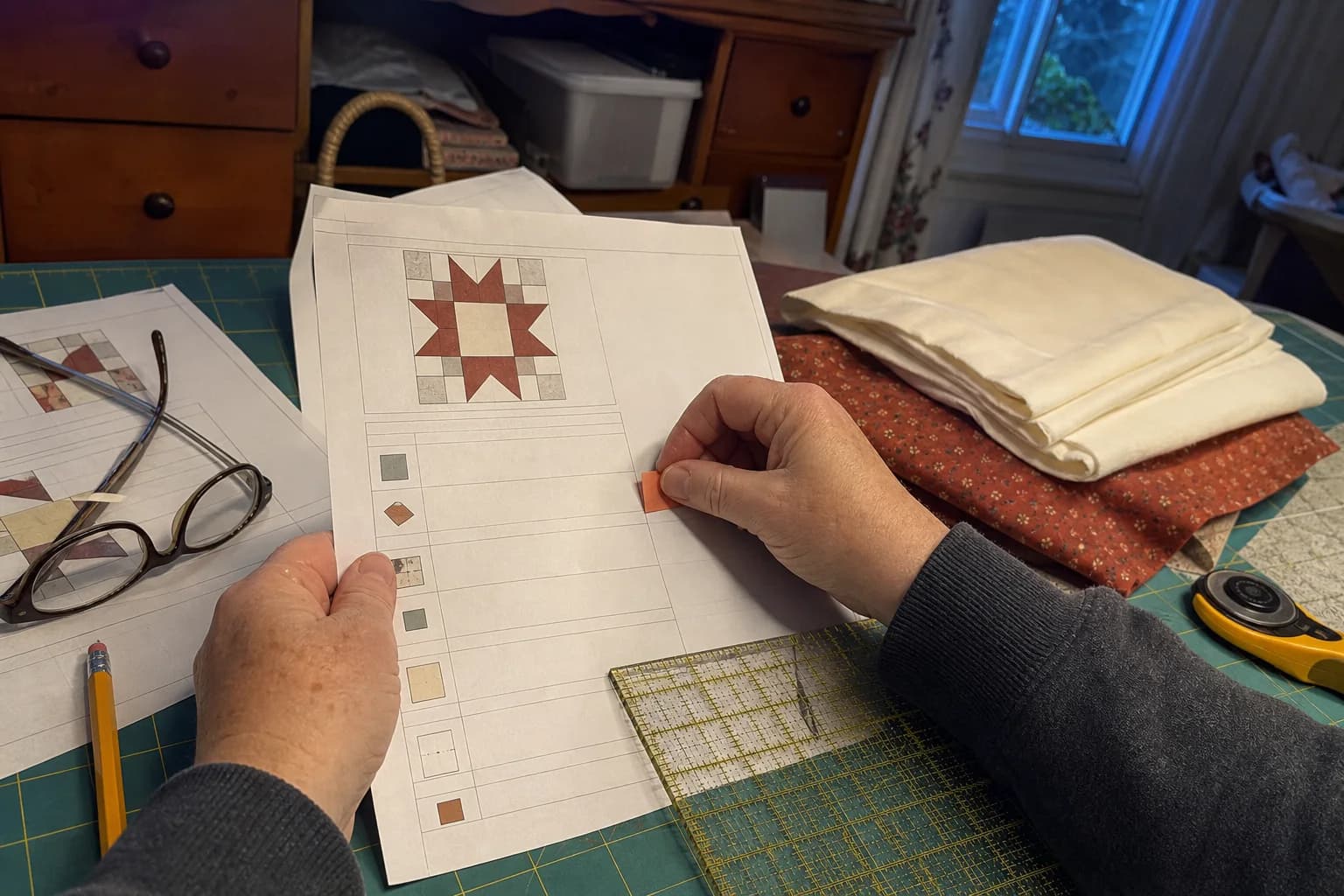
Before cutting, read the original instructions alongside your planned layout. Confirm the finished size, technique, fabric key, cutting or template information, and assembly order. If the pattern uses full-size pages, print one test page at Actual size and measure its calibration square. For a custom block or major redesign, make a small test rather than letting a digital preview carry more certainty than it has earned.
Read when an image is not a pattern for the evidence boundary, then use the pre-cut checklist to decide whether your project has reached the next stage.
The questions that come up next
Common questions
Can I change colors in an editable layout?
An editable layout can support planning changes such as visible color placement, repeated blocks, rotations, and border choices when those elements are clear in the source. Check construction implications before treating a changed layout as cutting instructions.
If one section has been checked, is the whole quilt ready?
Not necessarily. It means the named method, measurements, and source agree for that section. The whole quilt still needs complete instructions, print guidance where needed, quantities, and an assembly order before you can safely work from it.
What happens when a source dimension is missing?
The honest result leaves it unresolved or asks for clarification. A neat diagram should not invent a cutting size from a picture.
Quilt math, without the second-guessing
One short email when a new guide or calculator lands. No sales sequence.
You're agreeing to quilt-math emails from Stitchtale. Unsubscribe any time; this is separate from signing in.