
Meet Stitchtale
Know it’ll come out right before you cut.
Pick a quilt, try it in different fabrics, and sew it one block at a time with every step read out loud.
Every quilt worked out to the last piece
Free to browse, watch the films and try the fabric sets on the shelf. No account needed.
Cayenne ChurnWatch it go together, block by block.
Try it yourself. No account needed.
Go on, tap a set of fabrics.
These are real quilt-shop fabrics. Lots of quilts on the shelf come in sets like these, and you can try them before you sign up. Save a quilt and you can swap in any fabric you like.
Pick your first quiltFind a quilt you’d love to make.
See the whole shelfHow it works
From fabric pull to finished quilt.
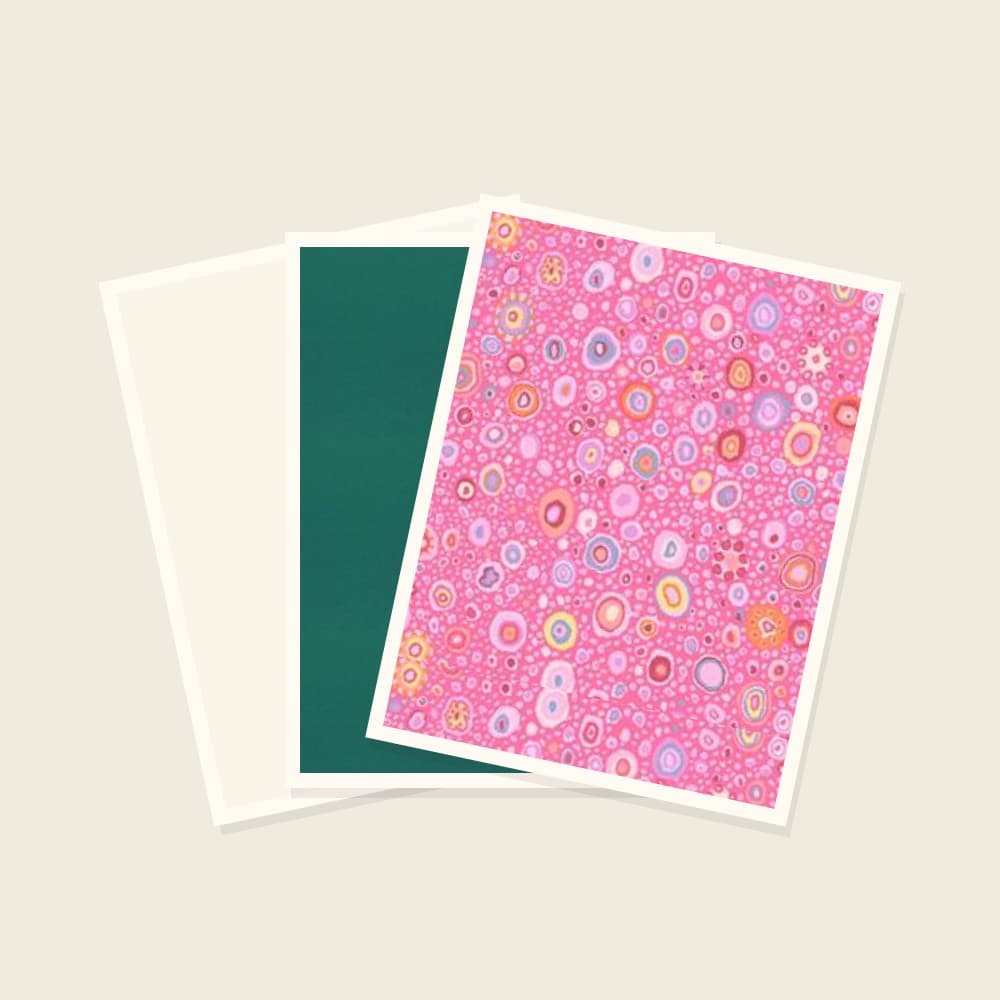
Pick your fabrics
Try a new print or raid your stash. Watch the whole quilt change before you cut a thing.
Every bolt named, ready to buy
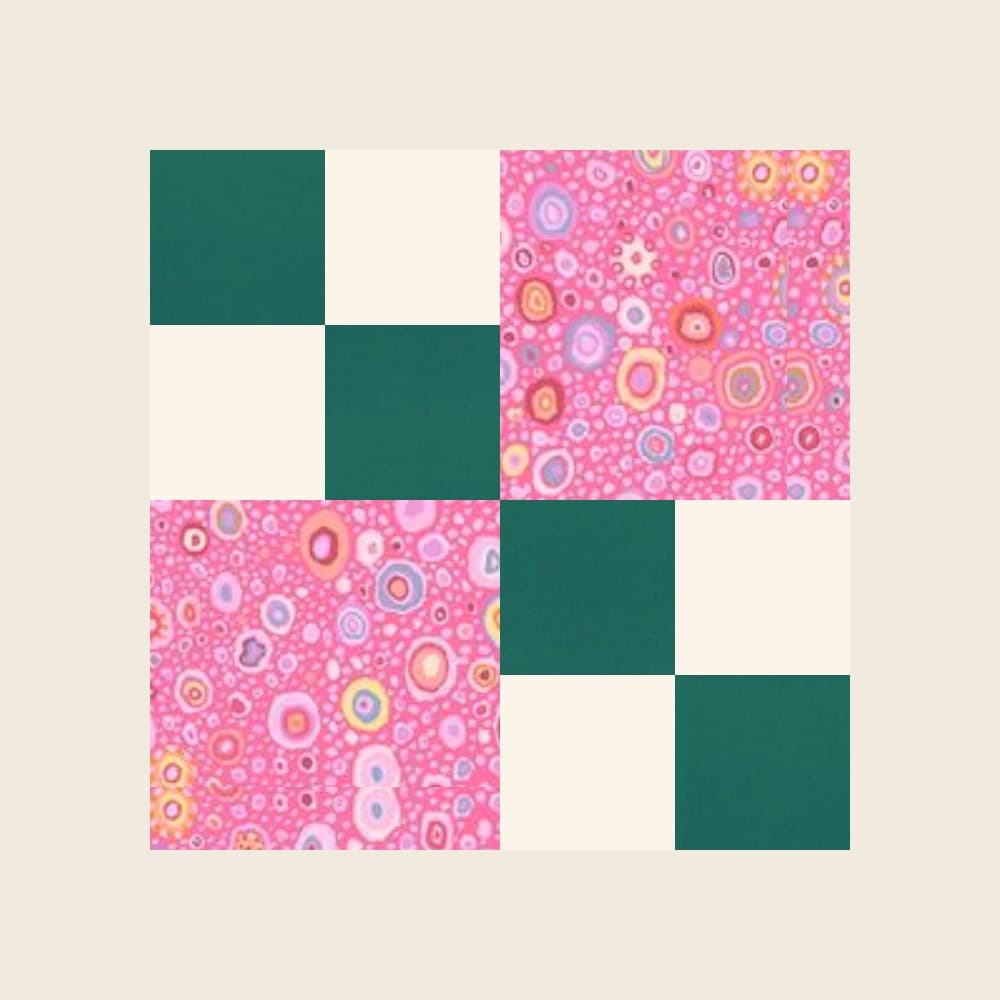
Sew one block
One clear step at a time, with a drawing for each. Listen along while you sew.
Block 1, ¼″ seams, press toward the dark
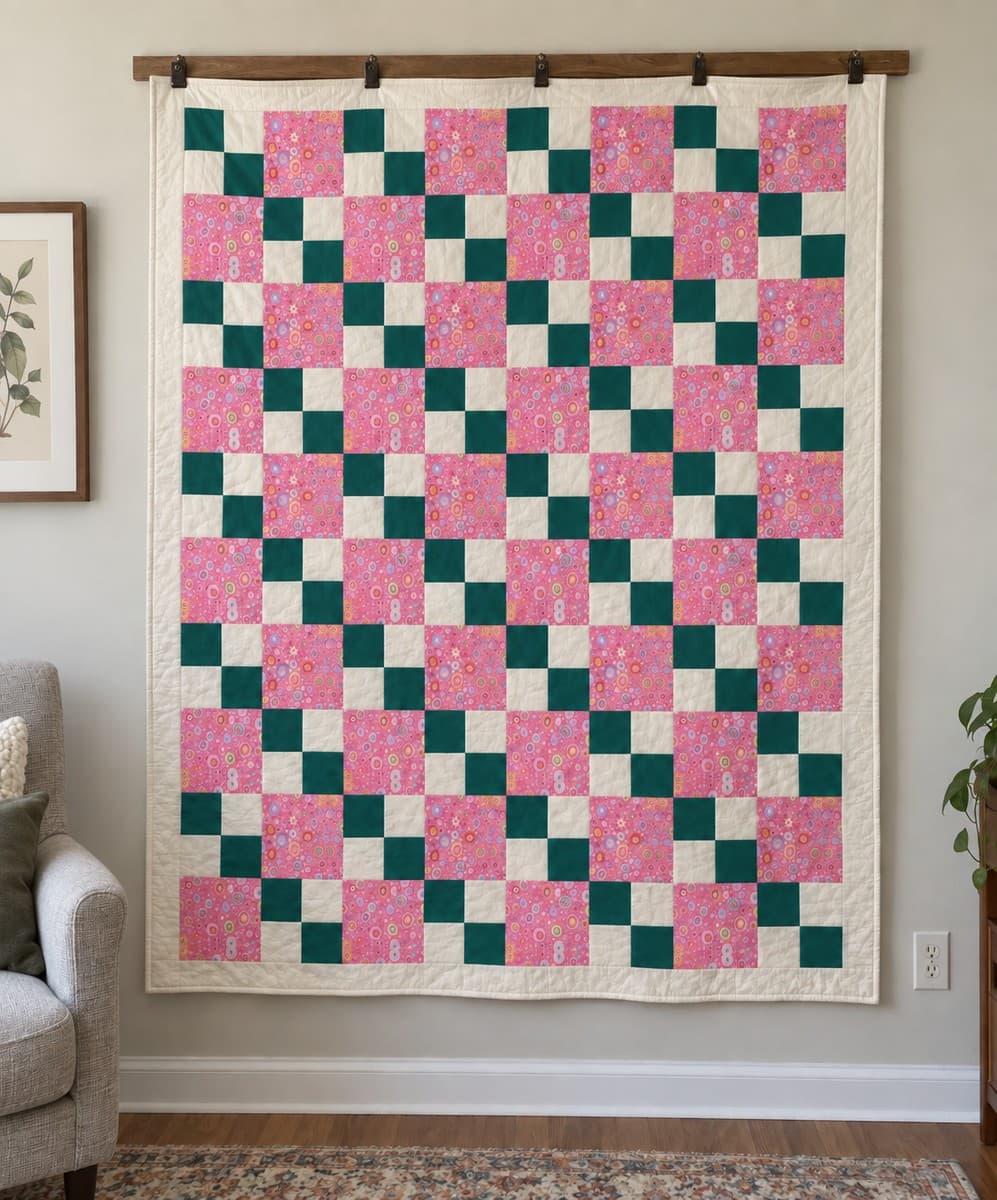
Finish the quilt
Every block has its place, and your spot is saved for next time.
Every piece counted
Watch a block come together.
See all 56 blocksEach block has its own page: see it sewn step by step, try it in your colours, and get the cut sizes for 6, 9 and 12 inch blocks.
Quilt help for the tricky bits
Beside you as you sew
Read aloud. Ask about your block.
Keep both hands on the fabric while your companion reads the next step. Stuck on a seam? Snap a photo of your block and ask. It knows what the block should measure, because it built the plan.
Fabric, made simple
One lineup, one quilt shop.
See the fabrics on your quilt before you buy. When the whole lineup is at one shop, we send you there with every bolt named, so you can order it all in one go.
Fabric finder
Find any fabric, from 33,000+, across quilt shops.
Search the way you’d say it, tap a colour, or browse by maker. Every fabric shows the shops that have it today and what a yard costs. No account needed to look.
Find a fabricA picture you love, made in fabric.
Picture quilts are coming, and our Founding Circle gets first go. Pop your email in and we’ll tell you the day they open.
You're saying yes to an email when picture quilts open, plus the odd quilting note from Stitchtale. Unsubscribe any time.
Good questions
Before you thread the needle.
The things quilters ask us most.
What does it cost?
Making a quilt is free while we're getting started. Membership opens soon at $29.99 a month. Until then, every quilt-along is yours to sew from the first block.
Do I need an account?
Not to look around. Browse the shelf, watch the films and try the quilts that come in fabric sets. When you want to keep one, swap in fabrics of your own or start sewing, sign in with your email so your quilt and your place are saved.
I’m a beginner. Can I do this?
Yes, and you’ll have company. Start with a quilt marked Beginner. You sew one block at a time, with a drawing for every step, read out loud if you like. Nobody’s timing you.
Can I use my own fabrics?
Of course. Every quilter has a stash. Add photos of your own fabric or try prints from the shop, and watch the whole quilt change before you cut a thing.
Where do I buy the fabric?
Each lineup comes from one quilt shop, with every bolt named, so you can order it all in one go. No hopping from shop to shop.
What if a plan is wrong?
Tell us and we’ll fix the plan itself, not just say sorry. The terms say what that covers.
Not ready to cut? Grab our cheat sheets.
Backing, binding, batting and borders, one printable page each. No unpicking required.
You’re saying yes to quilt-math emails from Stitchtale. Unsubscribe any time. This is separate from signing in.
Your first quilt is waiting.
Pick one off the shelf and try it in a new set of fabrics today.
Pick your first quiltMaking a quilt is free while we're getting started. Membership opens soon at $29.99 a month.